



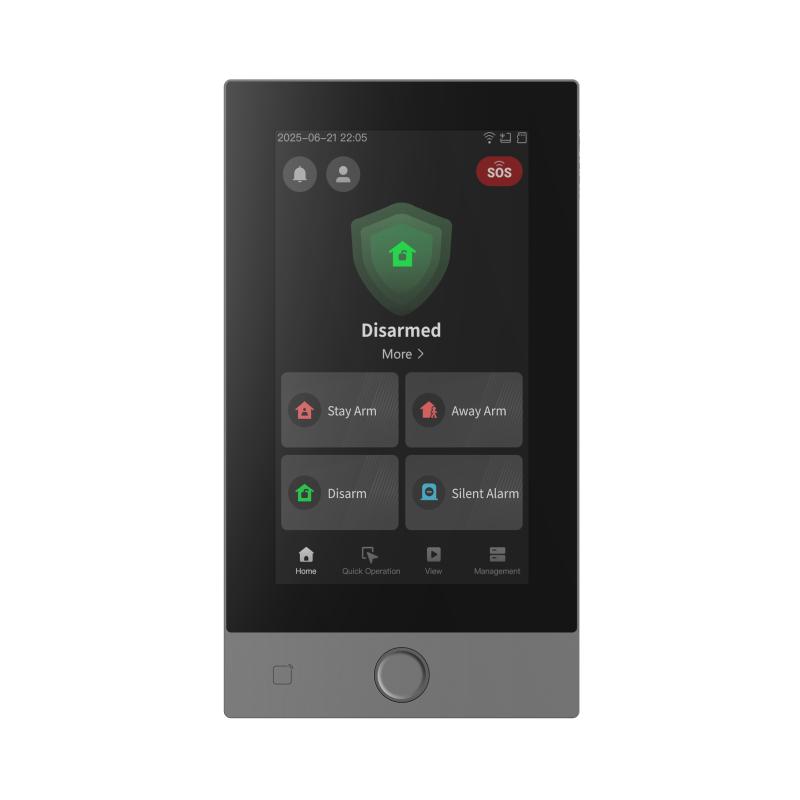
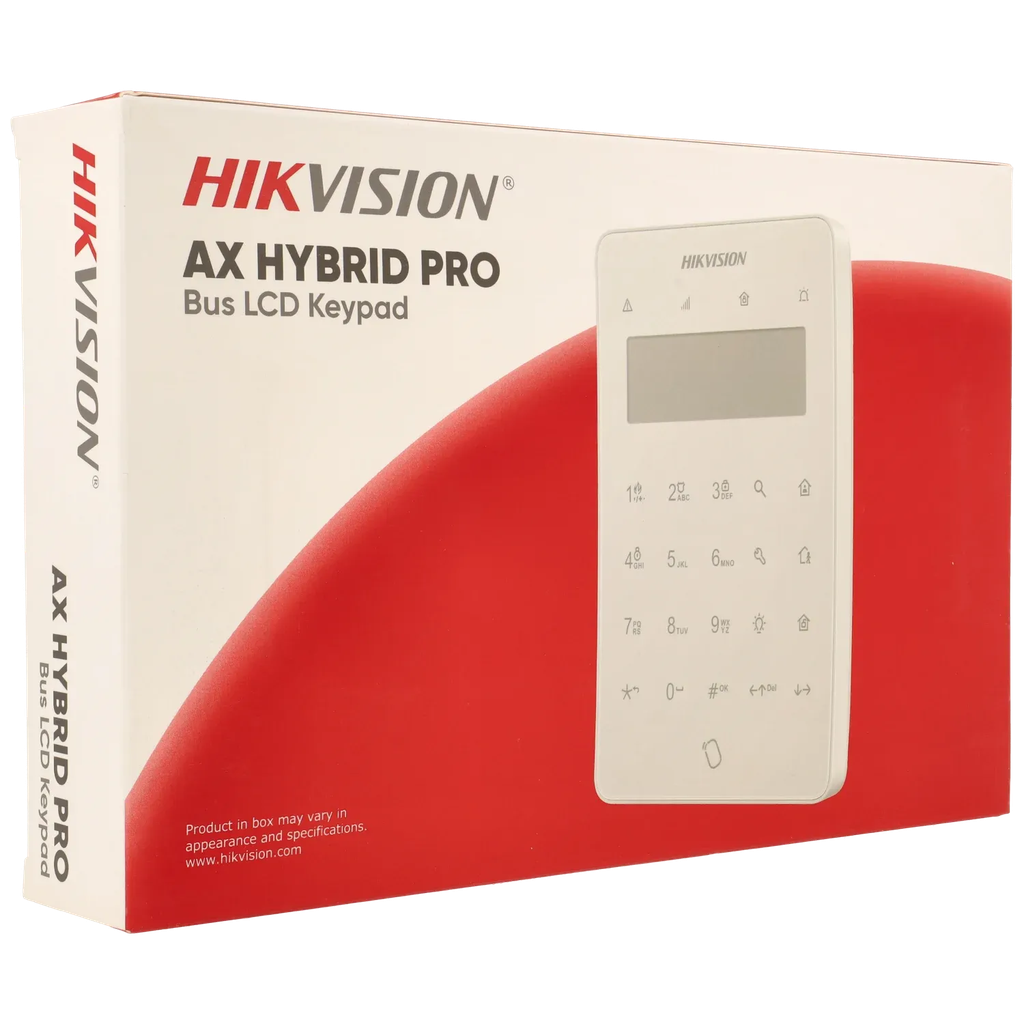
DS-PK670MDW-HWE Clavier à écran tactile noir filaire Compatible AX HYBRID PRO G2
Écran LCD mono
Conception moderne des boutons tactiles
Prise en charge des touches de fonction Fire/Panic/Medical
Comprend 2 entrées et 1 sortie relais embarquées
Prise en charge du lecteur d'étiquettes
Prise en charge de la commande par télécommande (868 MHz)
Bornes détachables pour faciliter le câblage
Couvercle arrière coulissant pour une installation simplifiée

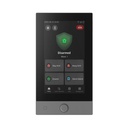
HIKVISION DS-PK1-LRT-HWE
Wireless LCD Keypad with Card Reader – AX PRO Series
The HIKVISION DS-PK1-LRT-HWE is a wireless LCD keypad with integrated card reader, designed for easy and secure control of Hikvision AX PRO alarm systems. It provides users with a convenient interface for arming, disarming, and managing security functions.
Featuring a clear LCD display and intuitive keypad, the device allows quick system status viewing and simple operation. The built-in card reader supports RF cards and tags, enabling fast and secure access without the need for a password.
Using secure encrypted wireless communication, the DS-PK1-LRT-HWE ensures reliable connection with the control panel while allowing flexible installation without wiring constraints.
Designed for indoor use, the keypad offers a modern and compact design, making it suitable for homes, offices, and commercial spaces. It also supports user management and multiple access methods, improving overall system usability.
In summary, the HIKVISION DS-PK1-LRT-HWE delivers a practical, secure, and user-friendly control interface for managing wireless alarm systems.
Key Features:
Wireless LCD keypad for AX PRO alarm systems
Integrated card reader for RFID access
Arm/disarm and system control functions
Clear LCD display with intuitive interface
Secure encrypted wireless communication
Supports cards, tags, and PIN codes
Compact and modern design for indoor use
Ideal for residential and commercial security systems
Once the user has seen at least one product this snippet will be visible.
Recently viewed Products

To install this Web App in your iPhone/iPad press  and then Add to Home Screen.
